Organize Complexity. Remove Friction. Increase Clarity.
Most FAQ widgets are just stacked accordions. One column. Minimal structure. No hierarchy. No strategy.
That format works for simple sites. It fails on serious projects.
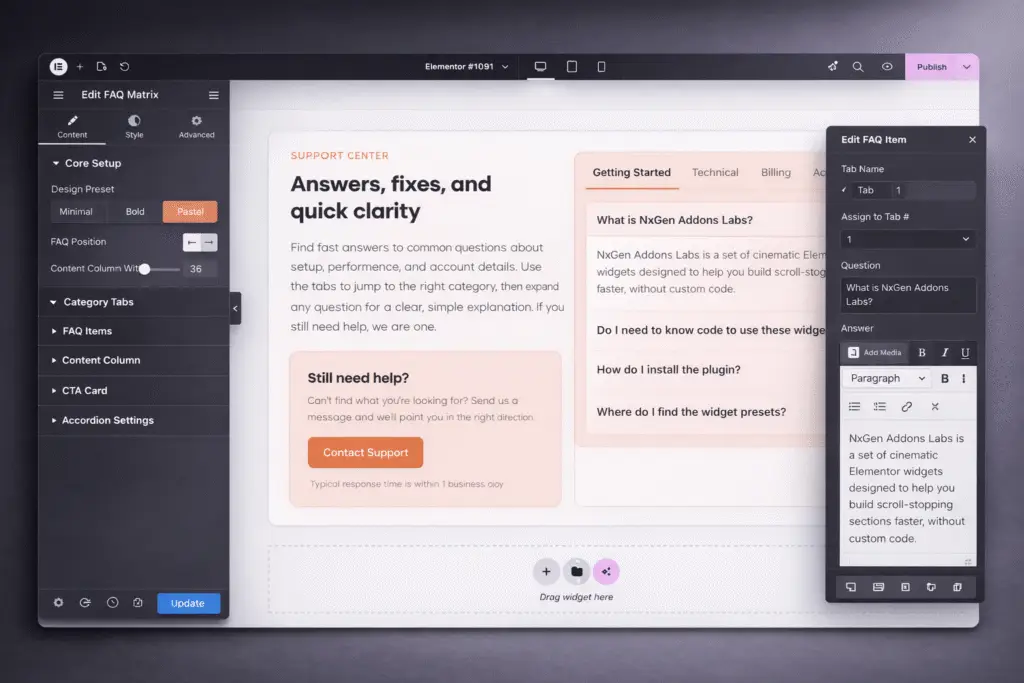
FAQ Matrix was built for depth. Instead of forcing everything into a vertical stack, this Signature Series widget gives you structured layout control that organizes questions into a clear, scannable system. Categories, grouped responses, visual alignment, and intentional spacing all work together to reduce cognitive load.
You are not just answering questions. You are engineering clarity.
Unlike basic accordion blocks that feel repetitive and flat, FAQ Matrix provides a structured grid-based framework that supports layered information without overwhelming the user.
FAQ Matrix is ideal for service pages, product detail pages, membership platforms, onboarding portals, and landing pages where objections must be handled proactively. It works especially well for businesses with complex offerings that require grouped or categorized explanations.
Built for Elementor designers, agencies, and developers who understand that FAQs are not decorative. This widget is for creators who want structured information architecture combined with visual control, not a generic dropdown list.
Key Features & Capabilities
- Multi-column FAQ grid layouts for structured presentation
- Grouped question categories with clear visual hierarchy
- Signature Series preset systems including Minimal, Bold, Dark Mode, and Pastel
- Expand and collapse interaction with smooth, refined motion
- Icon, indicator, and toggle customization
- Independent styling control for question and answer states
- Fully responsive behavior with adaptive stacking on smaller screens
Why Add FAQ Matrix to Your Stack
When visitors hesitate, they leave.
FAQ Matrix turns hesitation into clarity by organizing answers into a visually structured system that feels intentional and refined. You remove friction without sacrificing design.
This is not another accordion widget. It is a clarity framework designed to support serious websites built inside NxGen Addons for Elementor.
Signature Series
FAQ Matrix
Resource Type
Custom Elementor Widget
Required Plugins
Elementor (Free) or Elementor Pro (optional, not required)
Control Types Included
Matrix Layout Configuration
Choose between structured column layouts that organize questions into logical groupings. Control spacing, alignment, and visual balance to maintain readability even with dense content.
Category & Section Structuring
Divide FAQs into labeled sections to reduce overwhelm and help users navigate to the information that matters most to them.
Per-Item Content Control
Customize each question and answer individually. Control typography, spacing, icon position, and state styling for expanded and collapsed views.
Interaction & Motion Management
Refine expand speed, toggle behavior, and icon animations to match the pacing of your site’s design system.
Signature Style Presets
Launch with curated design frameworks that provide visual cohesion immediately. Adjust color systems, borders, background treatments, and depth effects without rebuilding structure.
Check Out More Widgets
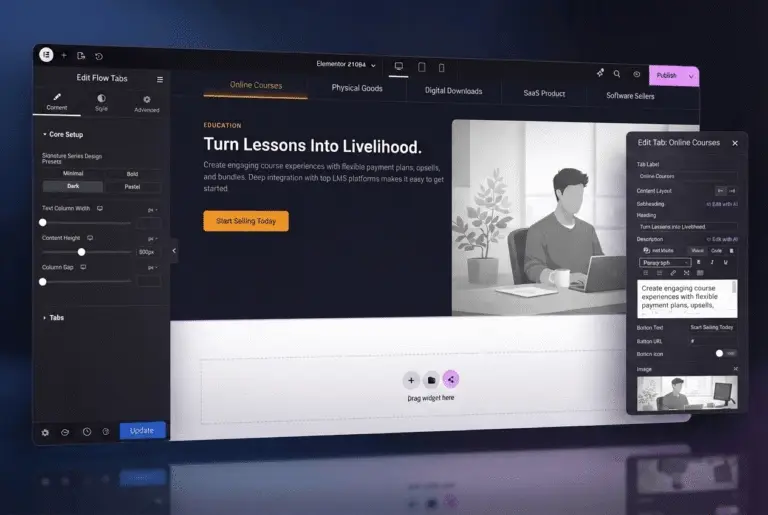
Flow Tabs
Dynamic Pricing Table