
Turn Passive Sections Into Active Momentum
Standard call-to-action blocks, where call-to-action refers to a strategic prompt designed to move a visitor toward a specific next step such as booking, purchasing, subscribing, or learning more, are often static. A headline. A button. Maybe an image. They rely almost entirely on copy to do the heavy lifting.
Carousel CTA Card introduces controlled motion and structured sequencing to elevate those action prompts. Instead of presenting one fixed message, you create a rotating stack of strategic calls-to-action that move with intention. Each card becomes a focused conversion opportunity, presented within a visually cohesive, design-ready framework.
As part of the NxGen Signature Series, you do not start from a blank canvas. Preset style systems provide immediate polish, spacing discipline, and visual hierarchy. The movement is subtle, not distracting. The layout is refined, not cluttered.
Unlike basic sliders that simply rotate content blocks, Carousel CTA Card is engineered to sequence offers in a structured, conversion-aware layout that feels deliberate and modern.
Carousel CTA Card is ideal for highlighting service tiers, feature highlights, promotional offers, onboarding steps, or key next actions. It works especially well on homepages, mid-page engagement sections, and landing pages where attention needs to be redirected toward a specific action.
Built for Elementor designers, agencies, and developers who want more than static CTA rows. This widget is for creators who understand that engagement increases when attention is guided with structure and motion.
Key Features & Capabilities
- Structured CTA card layouts with refined spacing and hierarchy
- Signature Series preset systems including Minimal, Bold, Dark Mode, and Pastel
- Carousel sequencing with smooth, controlled transitions
- Per-card headline, description, and button control
- Optional icon or image support for layered visual emphasis
- Autoplay, manual navigation, and hover pause options
- Fully responsive stacking and mobile-friendly interaction
Why Add FAQ Matrix to Your Stack
When visitors hesitate, they leave.
FAQ Matrix turns hesitation into clarity by organizing answers into a visually structured system that feels intentional and refined. You remove friction without sacrificing design.
This is not another accordion widget. It is a clarity framework designed to support serious websites built inside NxGen Addons for Elementor.
Signature Series
Carousel CTA Card
Resource Type
Custom Elementor Widget
Required Plugins
Elementor (Free) or Elementor Pro (optional, not required)
Control Types Included
Matrix Layout Configuration
Choose between structured column layouts that organize questions into logical groupings. Control spacing, alignment, and visual balance to maintain readability even with dense content.
Category & Section Structuring
Divide FAQs into labeled sections to reduce overwhelm and help users navigate to the information that matters most to them.
Per-Item Content Control
Customize each question and answer individually. Control typography, spacing, icon position, and state styling for expanded and collapsed views.
Interaction & Motion Management
Refine expand speed, toggle behavior, and icon animations to match the pacing of your site’s design system.
Signature Style Presets
Launch with curated design frameworks that provide visual cohesion immediately. Adjust color systems, borders, background treatments, and depth effects without rebuilding structure.
Check Out More Widgets

Flow Tabs
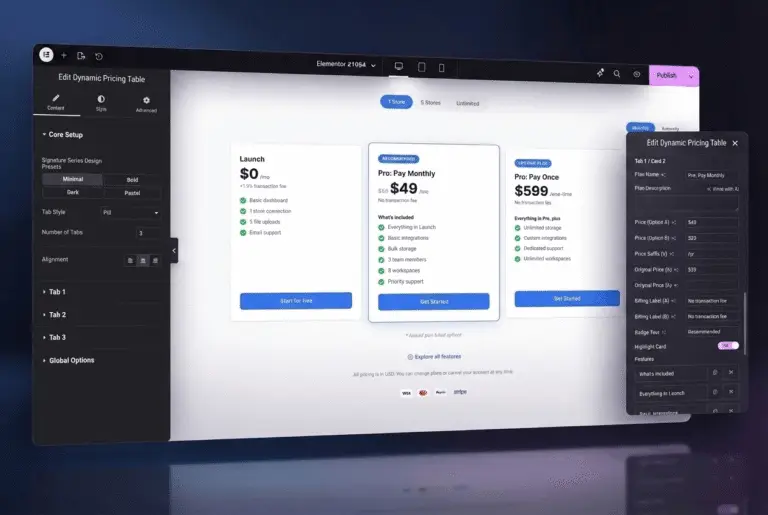
Dynamic Pricing Table